TheAppQuarry is an independent mobile app comparison platform. We may earn a commission when you click through.
7 Budgeting App Myths That Waste Your Money
Most payment apps are not budgeting tools. Learn which myths fail, where each app fits, and how to build a cleaner money routine.
The most surprising budgeting myth is that any app showing your balance is a budgeting app. It is not. Payoneer handles business payments, JazzCash moves money and pays bills, and MetaTrader 5 is built for trading. None replaces a proper spending plan.
That distinction matters in Pakistan, where wallets, remittance tools, UPI services, and investment apps often sit in the same finance category. Here are seven assumptions worth binning before they distort your money routine.

Myth 1: A payment wallet is automatically a budgeting app
The myth: If an app lets you send money, pay bills, and check a balance, it will also help control spending.
The reality: UPaisa, JazzCash, NayaPay, Paytm, and PhonePe are primarily transaction tools. Their descriptions focus on transfers, mobile credit, utility bills, QR payments, remittances, or cards. Those functions can make payments easier, but convenience is not the same as budgeting. In fact, faster payments can make impulse spending less visible.
What to do instead: Use a wallet for a defined job, then pair it with a weekly spending limit recorded elsewhere. Keep separate categories for bills, mobile credit, groceries, transport, and discretionary spending. A wallet balance tells you what remains in one account; it does not tell you whether the remaining amount must cover 20 days of expenses.
UPaisa is useful for sending money to wallets, bank accounts, CNIC recipients, or other mobile wallets, plus utility bills, QR shopping, mobile load, and Super Cards. That breadth makes it a capable payment hub, not a spending-plan engine. Best for a Pakistan-based user who wants one wallet for everyday transfers and bills, provided a separate budget tracks the outflow.

UPaisa
UPaisa offers a reliable digital wallet solution, but frequent users may face some limitations.
JazzCash covers mobile accounts, transfers, utility bills, mobile packages, and balance recharges, with account opening based on a mobile number and valid CNIC according to its App Store description. Compared with UPaisa, its value is reach and familiarity rather than budgeting depth. Best for someone who needs broad local payment access and is willing to review transactions manually each week.

NayaPay goes further into everyday money management with bill payments, remittances, chat, worldwide shopping, and a free Visa debit card; its listing says more than 3,000,000 users rely on it. That sounds like a budgeting solution until you ask the harder question: does it create a realistic monthly plan? Best for a digitally active user who wants payments and card access in one place, not someone seeking detailed envelope budgeting.

NayaPay
NayaPay is a fee-free financial management tool, but it may not suit users looking for advanced features.
These wallets can support a budget, but they do not replace one. The overlooked trick is to assign each wallet a purpose: bills in one place, daily spending in another, and transfers only when the budget allows it.
Myth 2: International payment apps are only for freelancers
The myth: Payoneer and Wise matter only if you invoice clients abroad.
The reality: Their core value is visibility around cross-border money. Payoneer focuses on receiving and sending business payments globally, while Wise lists transfers to more than 70 countries and says 64% arrive in under 20 seconds on average, with 95% arriving within 24 hours. Those are transfer claims from the providers, not budgeting scores, but they reveal why these apps can help people with irregular international income.
What to do instead: Use these apps to separate foreign income from household spending. Record the amount received, the transfer fee, the exchange-rate cost, and the date money becomes usable. A separate income stream is easier to budget when it does not vanish into one general balance.
Payoneer is built around global business payments for small and medium-sized businesses, companies, and entrepreneurs. That makes it a better fit for a freelancer or small business owner managing overseas invoices than for someone trying to track groceries and rent. Best for irregular international earners who need a dedicated payment lane before moving money into a household budget.

Wise lists mid-market exchange rates, transfers to 70-plus countries, two-factor authentication, and delivery estimates that vary by route. Compared with Payoneer, it reads more like a personal international money tool than a business payment platform. Availability depends on location, according to the provider's App Store listing, so Pakistani users should check which features are enabled before building a routine around it. Best for people receiving or sending cross-border money who want transfer timing and exchange-rate information visible in one place.

For official details, compare the Payoneer website with Wise's official site before relying on either for recurring transfers. Neither app magically turns variable income into predictable income; the budget still has to do that work.
Myth 3: More payment features mean better money control
The myth: An app that adds insurance, investments, cards, recharges, and shopping tools must be more useful for budgeting.
The reality: More features can create more places to spend. PhonePe combines UPI payments, card and wallet payments, recharges, bills, insurance, and mutual-fund investing according to its listing. Paytm promotes UPI, QR payments, bank-balance visibility, widgets, privacy controls, and Excel UPI statements. Those are practical tools, but a feature-rich app can blur the line between managing money and finding new ways to use it.
What to do instead: Choose one primary payment app and disable or ignore features that do not support your current goal. If debt reduction is the target, a clean bill-payment setup beats a crowded dashboard full of financial products.
PhonePe bundles UPI, card and wallet payments, mobile recharges, utility bills, insurance, and mutual-fund access. That range is convenient, but it also makes the app a poor substitute for a focused spending tracker. Best for an India-linked payment routine involving bills and recharges; Pakistani users should confirm service availability rather than assume every feature travels across borders.

Paytm's listing highlights personalised UPI IDs, privacy controls, widgets, bank-balance visibility, and Excel UPI statements. The statement export is the most useful budgeting clue here because it can make manual categorisation less painful. Still, Paytm is built for India's UPI ecosystem, so its relevance depends heavily on where your bank account and payments operate. Best for an India-based user who wants transaction records that can be reviewed outside the app.

Paytm's Excel statement feature is the sort of overlooked detail that can matter more than a flashy dashboard: exporting transactions gives you a chance to spot repeated small purchases that a wallet balance hides.
Myth 4: Investment apps belong in a monthly budget
The myth: If an app shows financial markets, it belongs in the same category as budgeting apps.
The reality: MetaTrader 5 is a trading platform. Its description covers broker connections, live quotes, charts, technical indicators, demo trades, and trading history. It also warns that users can lose money rapidly. That is a completely different job from planning rent, food, transport, and savings.
What to do instead: Put investing in a separate line of the budget with a fixed amount you can afford to lose without touching essentials. Never count an open trade as available cash. A chart is information; it is not income.
MetaTrader 5 offers demo trading, broker connections, market quotes, charts, indicators, and trade-history tools, but its own listing carries a high-risk warning. Compared with every wallet above, it is the least appropriate place to monitor household spending. Best for an experienced trader who keeps a separate emergency fund and budget, never for someone trying to make a monthly plan from market gains.

The official MetaTrader 5 mobile page reinforces the platform's trading purpose. Treating it as a budgeting tool is like using a thermometer to measure your grocery bill: the instrument may be sophisticated, but it answers the wrong question.
Myth 5: A free wallet means your money routine costs nothing
The myth: If an app is free to install or advertises no setup fee, it is free in every meaningful sense.
The reality: The supplied listings do not provide complete fee schedules for UPaisa, JazzCash, NayaPay, Payoneer, Wise, Paytm, or PhonePe. Transfer charges, cash-out costs, exchange-rate differences, card fees, and service limits can vary by transaction and location. Anyone claiming these apps are universally free is filling in missing data.
What to do instead: Track the amount sent, the amount received, and every fee shown before confirmation. For international transfers, compare the final delivered amount rather than the headline exchange rate. For wallets, review the fee schedule linked inside the app or on the provider's official website before making a recurring payment.
Myth 6: One app should handle every part of your finances
The myth: Consolidating everything into one app automatically makes budgeting simpler.
The reality: A single app can be convenient, but it also creates a single point of confusion. NayaPay, JazzCash, UPaisa, and Paytm each combine several payment functions, while Payoneer and Wise focus on cross-border movement. The right setup depends on the job: local bills, international income, daily spending, or trading.
What to do instead: Keep the number of active apps low, but do not force unlike tasks into one place. A simple setup might use one local wallet for bills, one dedicated international tool if needed, and one plain spreadsheet or notes system for the actual monthly plan.
That arrangement is less glamorous than a single super-app. It is also easier to audit when money starts disappearing.
Myth 7: A budgeting app fixes overspending by itself
The myth: Downloading the right app is the hard part.
The reality: The supplied apps can move money, show balances, export statements, support remittances, process bills, or display markets. None of the descriptions promises to change spending behaviour automatically. The strongest setup still needs a weekly review, realistic categories, and a rule for what happens when one category runs out.
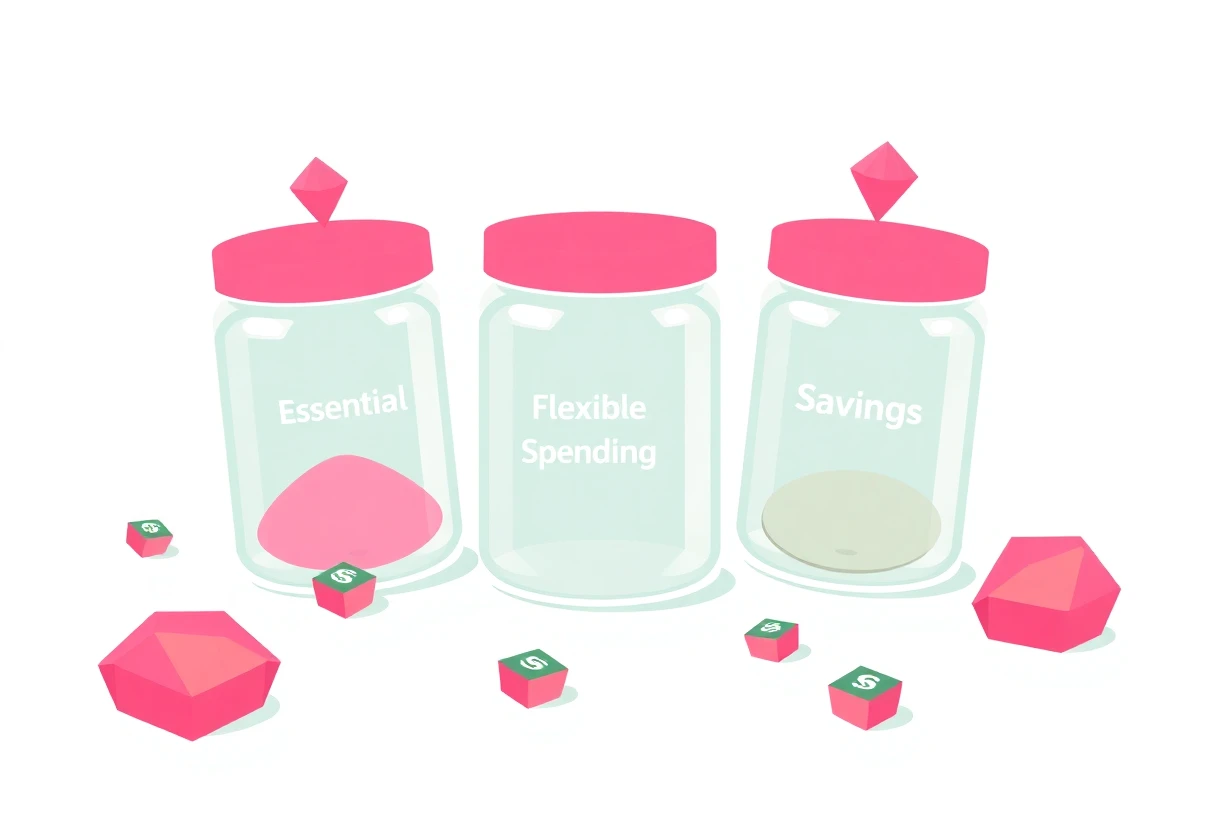
What to do instead: Start with three numbers: essential bills, flexible spending, and money set aside before anything else. Review transactions every weekend. Use Paytm's statement export if it is available to you, or manually record wallet activity from UPaisa, JazzCash, or NayaPay. For international income, separate transfers from spendable household money. For trading, exclude unrealised gains entirely.
What actually matters
A budgeting app should help you answer three questions quickly: where did the money go, what must be paid next, and how much can be spent safely today. Most of the apps above answer only one or two.
- Choose UPaisa or JazzCash for local transfers, bills, and mobile services, then track spending separately.
- Choose NayaPay if you want a broader wallet-and-card setup with remittances and shopping features.
- Choose Payoneer for business payments from international clients, not household budgeting.
- Choose Wise for cross-border transfers where its available features and final delivered amount work for your route.
- Choose Paytm or PhonePe only when your payments run through the Indian ecosystem they support.
- Keep MetaTrader 5 separate from your budget because trading risk is not spendable income.
The genuine hidden gem is not a single app. It is the habit of matching each app to one job, recording the result, and refusing to mistake a convenient payment screen for a financial plan.


